 UnitBasse
Effects
Bass effects explained:
what each pedal does
A bass doesn’t need any effect to sound good. The most useful ones are the compressor, for consistency, the overdrive, for grit, and the octaver, for weight. The rest are colors for a given style. And the order you put them in changes the sound.
First, no effects
A bass sound starts in your plucking hand: where you pluck, with what, and how hard. Then the amp and its EQ refine it. An effect won’t rescue a badly played note: it makes it bigger.
So work on your sound with nothing at all, then add one effect at a time, and always compare with and without.
The eight families
UnitBasse sorts its 22 effects into eight families. For each one: what it does to the sound in general, then what it is in UnitBasse.
Dynamics 2
They act on the volume of each note: cutting hiss, evening out attacks.
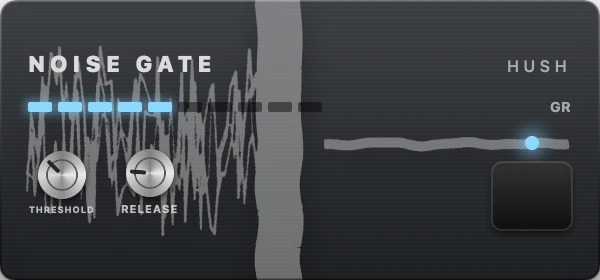
Noise Gate Hush
What it does to the sound. A noise gate is a doorman. As long as the signal stays below a threshold, it shuts the door and cuts the sound; as soon as a note goes above that threshold, it opens. It removes hiss, hum and the little string noises between notes, which become very audible as soon as you add distortion. Its release sets how fast it closes again: too fast, and it chops off the end of your notes.
In UnitBasse. Its nickname: Hush. Its controls: THRESHOLD, RELEASE. You’ll find it in the Metal factory preset.
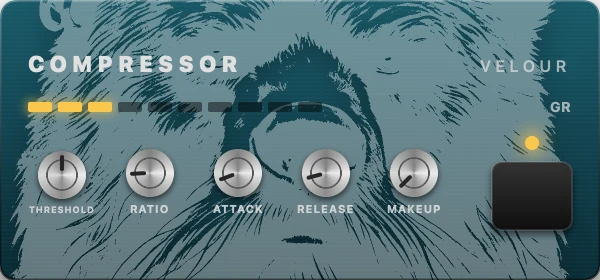
Compressor Velour
What it does to the sound. A compressor turns down notes that go above a threshold, and the higher the ratio, the more it turns them down: at 4:1, a note that goes 4 dB over the threshold comes out only 1 dB over. Loud notes get closer to soft ones, then the output gain brings everything back up: the level becomes even, and the tail of each note seems to sustain longer. The attack sets how long it waits before compressing: a slightly slow attack lets the snap at the start of the note through, and the line stays alive. Over-compressed, the sound “pumps” and loses its nuance.
In UnitBasse. Its nickname: Velour. Its controls: THRESHOLD, RATIO, ATTACK, RELEASE, MAKEUP. You’ll find it in the Practice Clean, Warm, Rock, Funk, Dub, Metal and Lo-Fi factory presets.
Gain 4
Extra level, then saturation, from the gentlest to the most extreme.
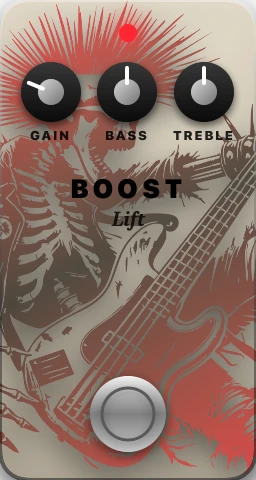
Boost Lift
What it does to the sound. A boost raises the signal level without changing its shape, or barely. Before the amp, it drives the amp harder, which can make it break up more; after it, it simply raises the volume. Use it to make a passage stand out, or to give more level to a bass with a weak output.
In UnitBasse. Its nickname: Lift. Its controls: GAIN, BASS, TREBLE. You’ll find it in the Warm factory preset.
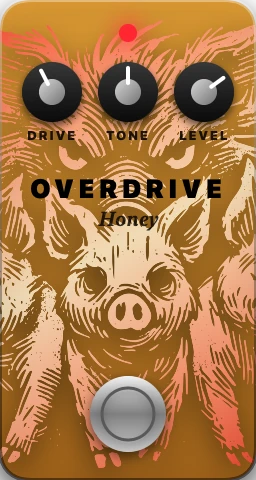
Overdrive Honey
What it does to the sound. Saturation happens when you send a circuit more signal than it can reproduce: the top of the waveform gets clipped, and new harmonics appear. Overdrive clips gently, like a tube amp pushed hard: it adds warm grit, rounds off the attacks and compresses a little. Play softly and the sound stays almost clean; dig in and it growls. That’s why it responds so well to your playing.
In UnitBasse. Its nickname: Honey. Its controls: DRIVE, TONE, LEVEL. You’ll find it in the Rock factory preset.
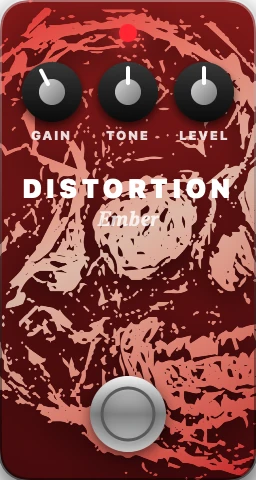
Distortion Ember
What it does to the sound. Distortion clips harder and more sharply than overdrive: the waveform becomes almost square, and the sound dense and sustained, loaded with harmonics. It responds less to how hard you play: the saturation is there even when you play softly. It can thin out the low end and blur notes played together.
In UnitBasse. Its nickname: Ember. Its controls: GAIN, TONE, LEVEL. You’ll find it in the Metal factory preset.
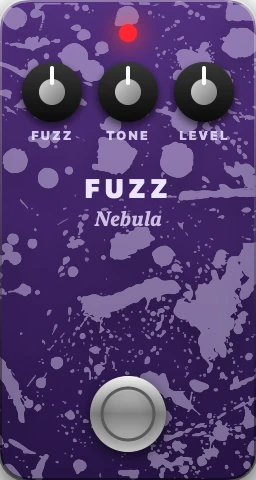
Fuzz Nebula
What it does to the sound. Fuzz pushes clipping to the extreme: the waveform is square, the sound grainy and buzzing, with long sustain. It creates so many harmonics that the low end can disappear under them, which is why it helps to blend in some clean signal. Its tone control goes from dark to piercing.
In UnitBasse. Its nickname: Nebula. Its controls: FUZZ, TONE, LEVEL.
Modulation 4
A setting that moves on its own, in a cycle: the sound doubles, sweeps or pulses.
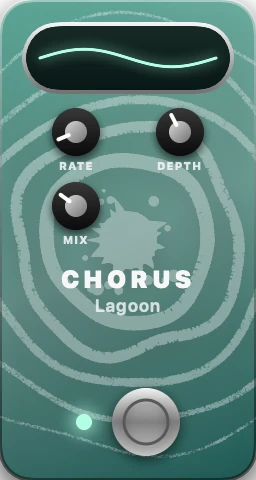
Chorus Lagoon
What it does to the sound. Chorus blends your sound with a very slightly delayed copy whose delay keeps changing: the copy drifts up and down in pitch by a tiny amount. The two sound like two instruments playing together, hence that wider, shimmering sound. On bass, you keep the low end tight: with too much of the copy, low notes seem to float and lose their footing.
In UnitBasse. Its nickname: Lagoon. Its controls: RATE, DEPTH, MIX. You’ll find it in the Synthwave factory preset.
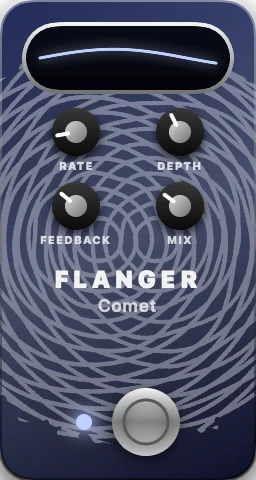
Flanger Comet
What it does to the sound. A flanger works like a chorus, but with a much shorter delay, and part of the sound sent back into the effect (the feedback). The blend carves moving notches into the frequency spectrum: that’s the metallic sweep, the “jet plane” sound. The higher the feedback, the stronger the effect.
In UnitBasse. Its nickname: Comet. Its controls: RATE, DEPTH, FEEDBACK, MIX.
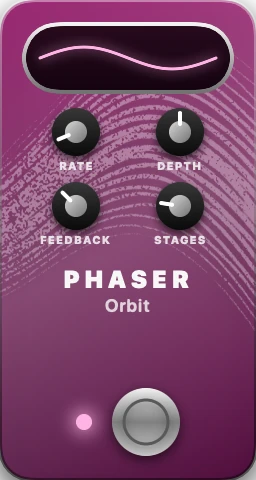
Phaser Orbit
What it does to the sound. A phaser runs the sound through a series of filters (the stages) that shift its phase, then blends it with the original: some frequencies cancel out, and those notches move slowly. You hear a swirling sweep, softer and more liquid than a flanger. The more stages, the richer the sweep.
In UnitBasse. Its nickname: Orbit. Its controls: RATE, DEPTH, FEEDBACK, STAGES.
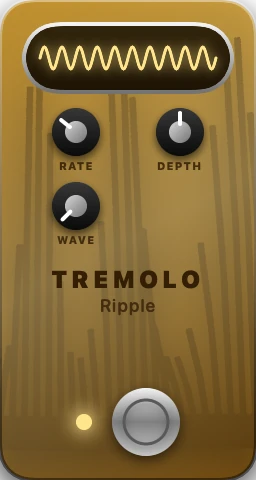
Tremolo Ripple
What it does to the sound. Tremolo varies the volume steadily, louder then softer, at a set speed: the note pulses. The shape of the pulse decides whether it’s smooth or choppy. Locked to the tempo of the song, it becomes a rhythmic effect.
In UnitBasse. Its nickname: Ripple. Its controls: RATE, DEPTH, WAVE.
Filter 2
A moving filter that gives that “talking” sound, the “wah”.
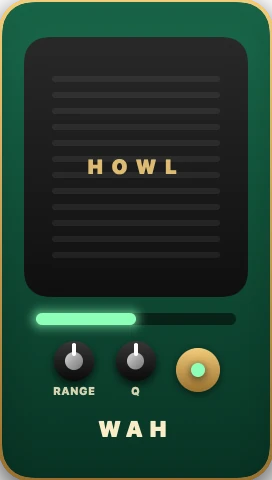
Wah Howl
What it does to the sound. A wah is a filter that boosts a narrow band of frequencies and moves it from low to high. That movement mimics a voice going from “oo” to “ah”: hence the “wah”. On a classic pedal, your foot moves it; an auto-wah sweeps it on its own, at the speed you set.
In UnitBasse. Its nickname: Howl. Its controls: RATE, RANGE, Q. It’s an auto-wah: it sweeps on its own, at the speed you set (RATE).
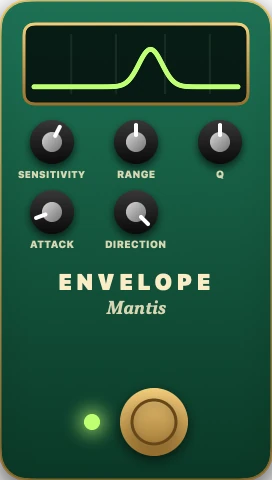
Envelope Filter Mantis
What it does to the sound. An envelope filter is a wah driven by your attack. It measures the energy of each note (its envelope), opens the filter further the harder you pluck, then closes it as the note dies away: every note goes “wow”. It’s the funk “quack”. Its sensitivity decides how hard you have to play before it reacts; set it to suit your playing and your bass.
In UnitBasse. Its nickname: Mantis. Its controls: SENSITIVITY, RANGE, Q, ATTACK, DIRECTION. DIRECTION picks the direction of the sweep. You’ll find it in the Funk factory preset.
Time 2
Sound that repeats or rings on: echo and room.
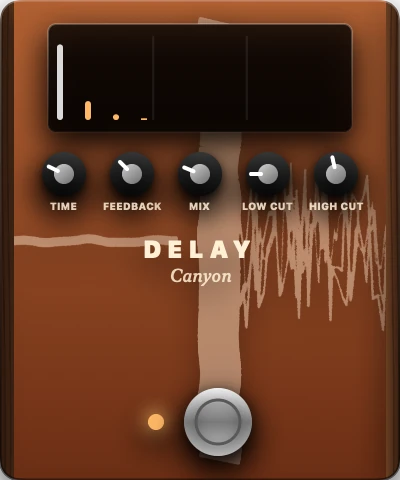
Delay Canyon
What it does to the sound. A delay records your sound and plays it back after a set time: that’s the echo. Part of the repeat is sent back into the effect (the feedback), which gives several repeats, each one quieter. Locked to the tempo, it becomes rhythmic. On bass, cutting the lows from the repeats keeps them from muddying the line.
In UnitBasse. Its nickname: Canyon. Its controls: TIME, FEEDBACK, MIX, LOW CUT, HIGH CUT. You’ll find it in the Dub and Synthwave factory presets.
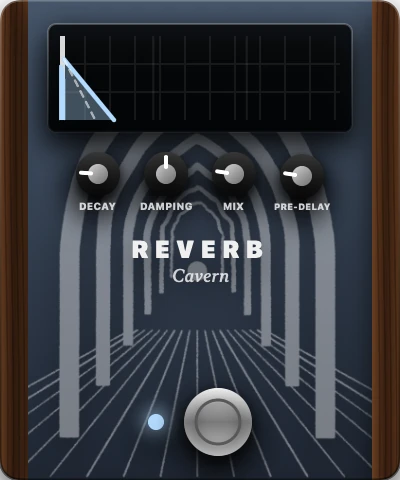
Reverb Cavern
What it does to the sound. Reverb mimics the thousands of reflections of sound off the walls of a room: they arrive so fast that you no longer hear separate echoes, but a tail that fades away. Its decay tells you the size of the room; damping softens the highs in the tail, like a room with soft walls; pre-delay separates the note from its reverb. On bass, a little goes a long way, or the low end drowns.
In UnitBasse. Its nickname: Cavern. Its controls: DECAY, DAMPING, MIX, PRE-DELAY. You’ll find it in the Dub factory preset.
Pitch 1
Adding a lower or higher note to the one you play.
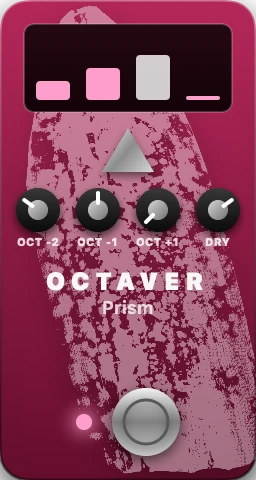
Octaver Prism
What it does to the sound. An octaver detects the pitch of the note you play and generates the same note an octave lower (half the frequency), two octaves lower, or an octave higher, then blends them with the dry sound. The sound becomes huge, close to a synth. To track properly, it needs a clean note: two notes at once, or a dirty note, make it stumble.
In UnitBasse. Its nickname: Prism. Its controls: OCT -2, OCT -1, OCT +1, DRY. DRY sets the dry sound.
EQ 1
Fixing or shaping the lows, mids and highs.
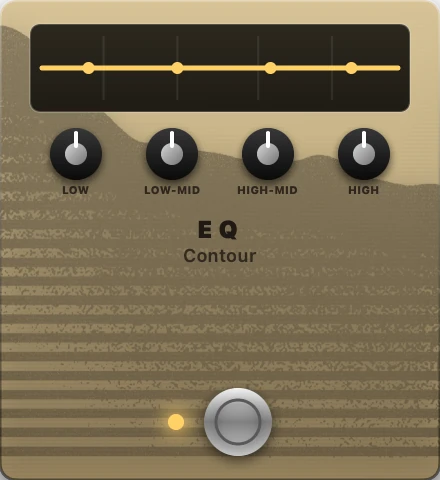
EQ Contour
What it does to the sound. An equalizer raises or lowers the volume of certain frequency bands. The lows give weight, the low mids presence and roundness, the high mids attack and note definition, the highs the snap. Cutting is often more effective than boosting: dip a little of what’s in the way rather than turning everything up.
In UnitBasse. Its nickname: Contour. Its controls: LOW, LOW-MID, HIGH-MID, HIGH. In the classic order, it sits at the end of the chain, just before the cabinet.
Creative 6
Six effects unique to UnitBasse, to get away from the usual bass sound.
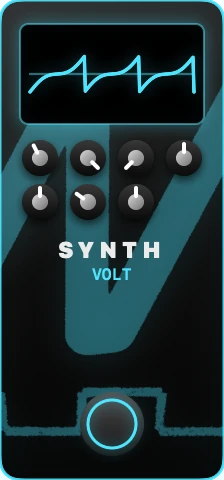
Synth Volt
All about the creative effects
What it does to the sound. A bass synth tracks the note you play and doubles it, or replaces it, with a synthesizer sound: an oscillator at the same pitch and a sub-octave, run through a resonant filter that gives the “synth” color. Like the octaver, it needs single, clean notes to track them well.
In UnitBasse. Its nickname: Volt. Its controls: MIX, OCTAVE, SUB OCT, FILTER, RESONANCE, SATURATION, ENVELOPE. You’ll find it in the Synthwave factory preset.
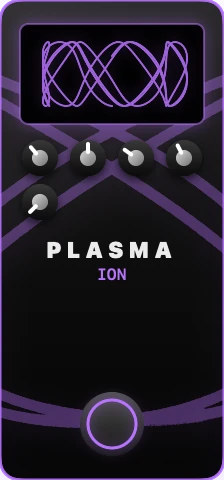
Plasma Ion
All about the creative effects
What it does to the sound. Plasma is an effect unique to UnitBasse: it electrifies the sound, with chaotic modulation, saturation and pulsing. It has no exact equivalent among classic pedals: it’s a playground, for sounds that don’t sound like a bass.
In UnitBasse. Its nickname: Ion. Its controls: MIX, FREQUENCY, CHAOS, SATURATION, PULSE.
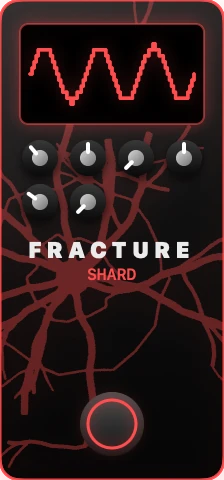
Fracture Shard
All about the creative effects
What it does to the sound. Fracture deliberately damages the digital sound: it reduces the number of bits (how finely levels are described) and the sample rate (how finely time is described). The sound becomes grainy, metallic, “8-bit”: the sound of old machines and electronic music.
In UnitBasse. Its nickname: Shard. Its controls: MIX, CRUSH, SAMPLE, DYNAMICS, DISTORTION, GATE.
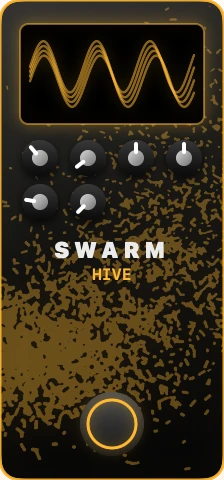
Swarm Hive
All about the creative effects
What it does to the sound. Swarm multiplies your note into several voices, each slightly detuned and wavering at its own speed: like a chorus pushed all the way to a swarm. The sound becomes wide and shifting, for pads and ambient textures.
In UnitBasse. Its nickname: Hive. Its controls: MIX, DETUNE, SPREAD, VOICES, SATURATION, SHIMMER.
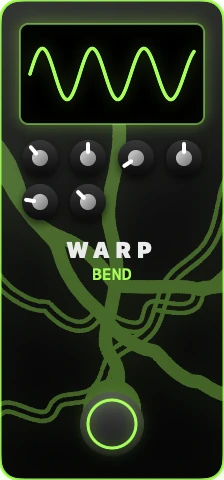
Warp Bend
All about the creative effects
What it does to the sound. Warp makes the sound waver and bend: a flanger-like sweep, saturation, and feedback into the effect that makes it unstable. A texture effect, unique to UnitBasse.
In UnitBasse. Its nickname: Bend. Its controls: MIX, WARP, SPEED, FLANGER, DRIVE, FEEDBACK.
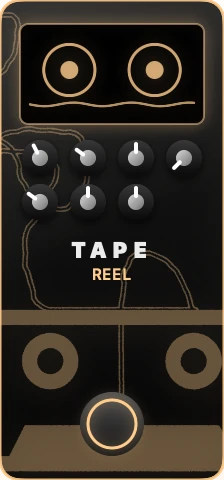
Tape Reel
All about the creative effects
What it does to the sound. Tape mimics a worn-out tape recorder: the tape speed drifts and makes the pitch waver (wow), the tape saturates and compresses gently, and adds a little hiss. The sound becomes warm and slightly unstable: the lo-fi sound.
In UnitBasse. Its nickname: Reel. Its controls: MIX, WOW/FLUTTER, SATURATION, HISS, AGE, COMPRESSION, SPEED. You’ll find it in the Lo-Fi factory preset.
In what order?
The sound goes through the effects one after another. Here’s the classic order, the one UnitBasse sets up with its Classic order button:

- The effects that need a clean note: gate, compressor, octaver, synth, wah, envelope filter, boost.
- The amp.
- The saturation effects: overdrive, distortion, fuzz, Plasma, Fracture.
- Modulations and textures: Swarm, Warp, chorus, flanger, phaser, tremolo, Tape.
- Echo, room and EQ: delay, reverb, EQ.
- The cabinet, always at the end.
Pedal by pedal:
- Noise Gate
- Compressor
- Octaver
- Synth
- Wah
- Envelope Filter
- Boost
- the amp
- Overdrive
- Distortion
- Fuzz
- Plasma
- Fracture
- Swarm
- Warp
- Chorus
- Flanger
- Phaser
- Tremolo
- Tape
- Delay
- Reverb
- EQ
- the cabinet
Why this order? Because some effects need a clean note. An octaver tracks a clean note better than a distorted one. An envelope filter reacts to how hard you attack: better to give it your attack untouched. On the other hand, a delay or a reverb at the end repeats a sound that’s already saturated, which stays clear; put them before, and the echo itself gets saturated and everything turns to mush.
And the order can be broken, sometimes on purpose: especially with the creative effects, try it. In UnitBasse, you pick up a pedal and drag it to its new spot on the pedalboard, before or after the amp.
The bass trap: disappearing lows
Saturation and some modulation effects thin out the low end, the part that gives the bass its weight. Three fixes:
- keep some dry sound: the MIX on pedals that have one, or the amp’s BLEND, which mixes the dry sound with the amp sound when it’s the amp that’s saturating;
- go easy: a little saturation often sounds bigger than a lot;
- bring the lows back at the end of the chain, with the EQ (the EQ’s LOW knob).
Three chains to start with
Funk: a compressor, then an envelope filter. The compressor evens out the attacks, the filter makes them “talk”.
Rock: a compressor, then an overdrive. Grit, without losing consistency.
Dub: a compressor, then a delay and a reverb, with plenty of bass on the amp. Long, round notes that ring out in the space.
These three chains are UnitBasse’s Funk, Rock and Dub factory presets, alongside Practice Clean, Warm, Metal, Synthwave and Lo-Fi. A good way in: load the preset closest to the sound you’re after, adjust it by ear, then save it under your own name. UnitBasse also loads the Audio Unit plug-ins you already own, in the same chain.
Frequently asked questions
Do you need effects to play bass?
No. A well-played bass, through a good amp, doesn’t need any effect. Effects come later, for a style or a color. Start with the sound of your fingers.
Which effect should I try first?
The compressor. It’s the most transparent and the most useful on bass: it evens out the attacks and supports the note, without changing the character of the sound.
In what order should I plug in my pedals?
The classic order: first whatever works on the clean note (gate, compressor, octaver, filters), then the amp, the saturation effects, the modulations, echo and reverb, and the EQ last. It’s a starting point, not a law: try other orders too.
Why does my bass lose its lows with saturation?
Many saturation effects clip and thin out the bottom of the spectrum. Go easy on the saturation, keep some dry sound when the effect allows it (its MIX, or the amp’s BLEND for the amp’s own saturation), and bring the lows back with the EQ at the end of the chain.
Can I use a guitar pedal on bass?
Yes, many work fine. But some cut part of the low end, or don’t track the lowest notes well. Try it with your bass before you commit to it.