 UnitBasse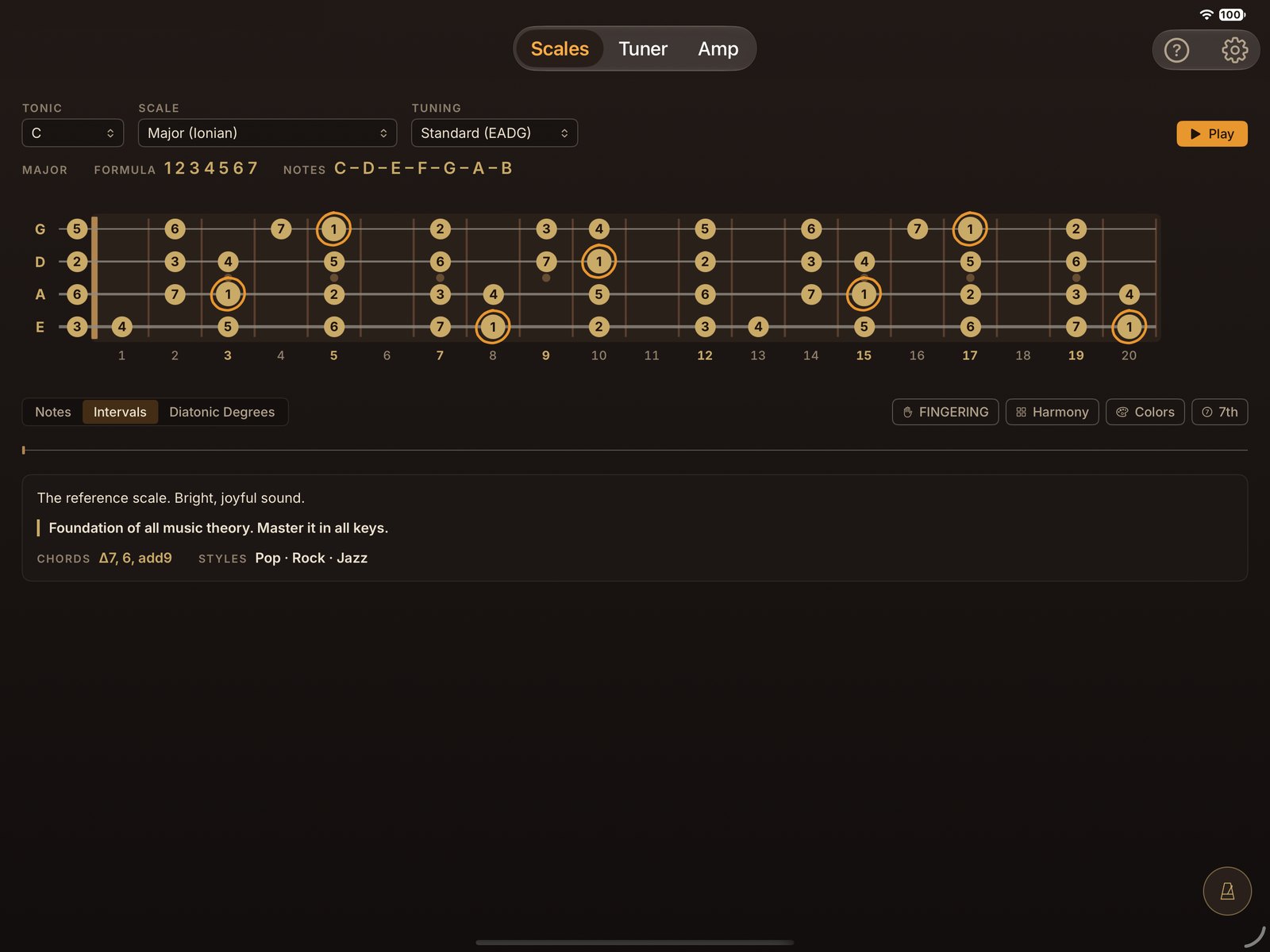
Notes, intervals, degrees.
Three ways to read the same scale, one tap away.
UnitBasse for iPad
Scales and harmony on the fretboard, a real-time bass amp, a tuner and a metronome. The whole bass player's workshop, in your iPad.
$11.99 · one-time purchase · no subscription · iPadOS 16.4 or later
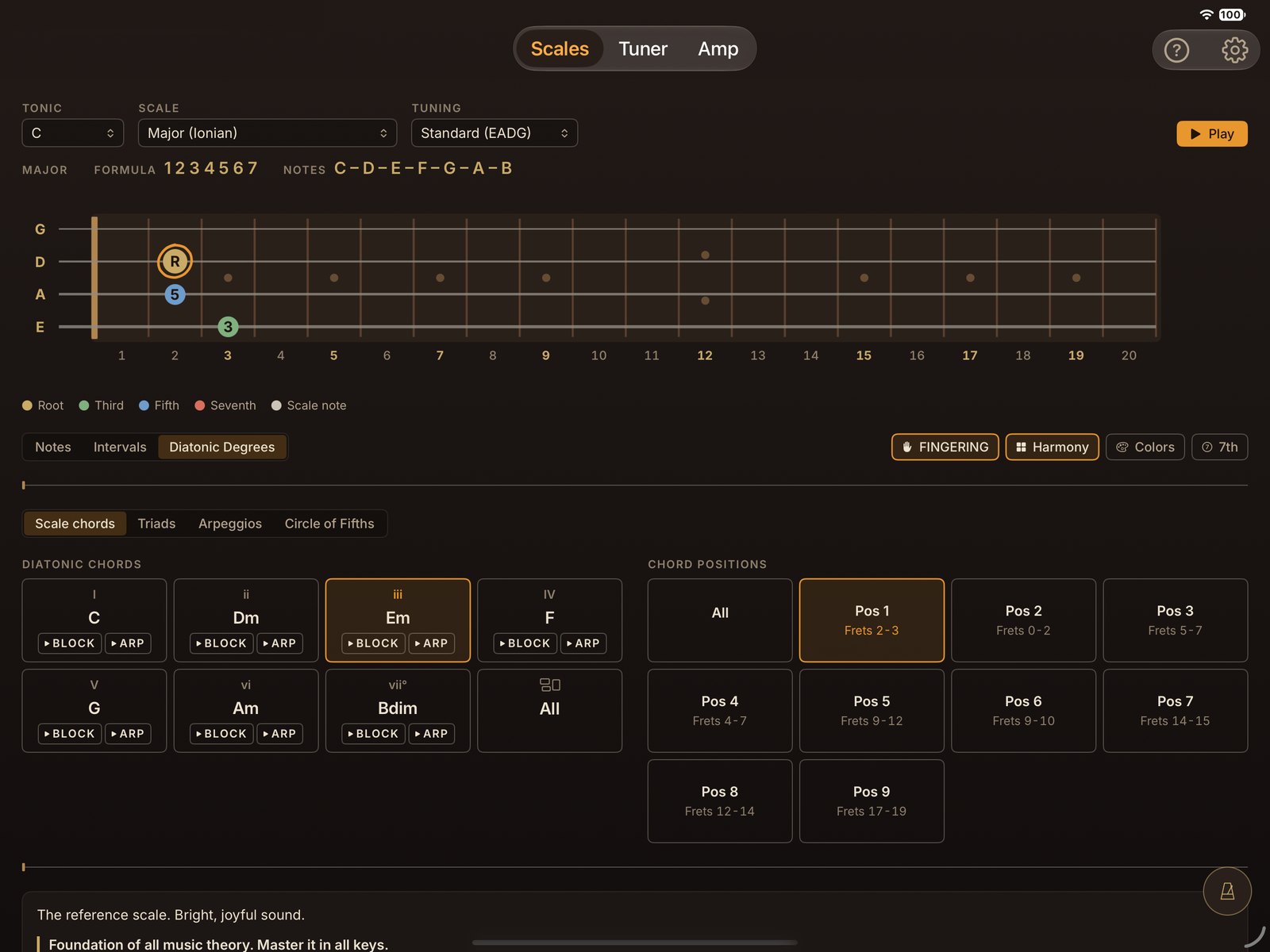
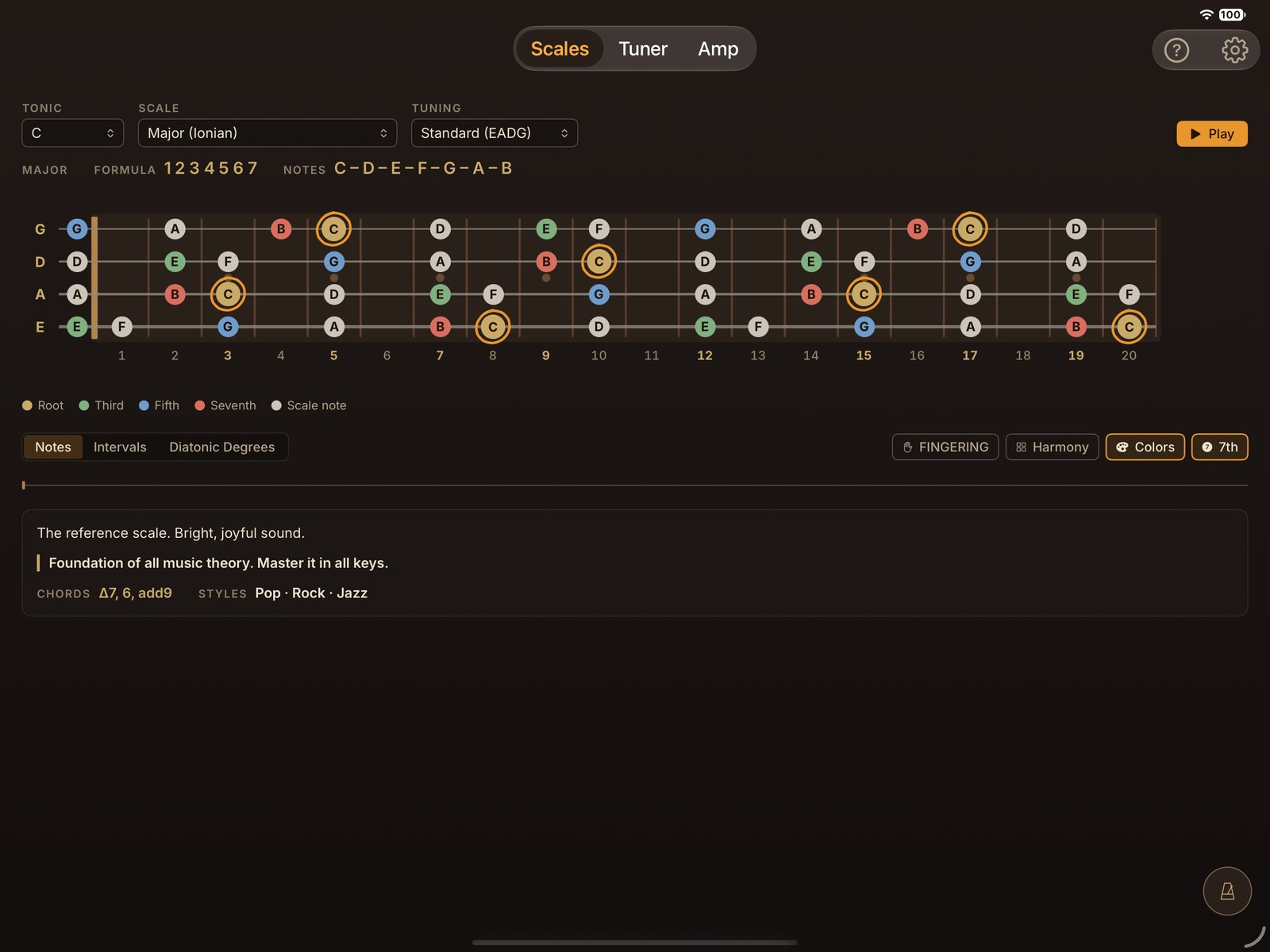
Pick a scale and a root note: every note shows up on the fretboard, with its name, its interval or its degree.
Chords of the scale, triads, arpeggios and the circle of fifths: see and hear how the scale is built.
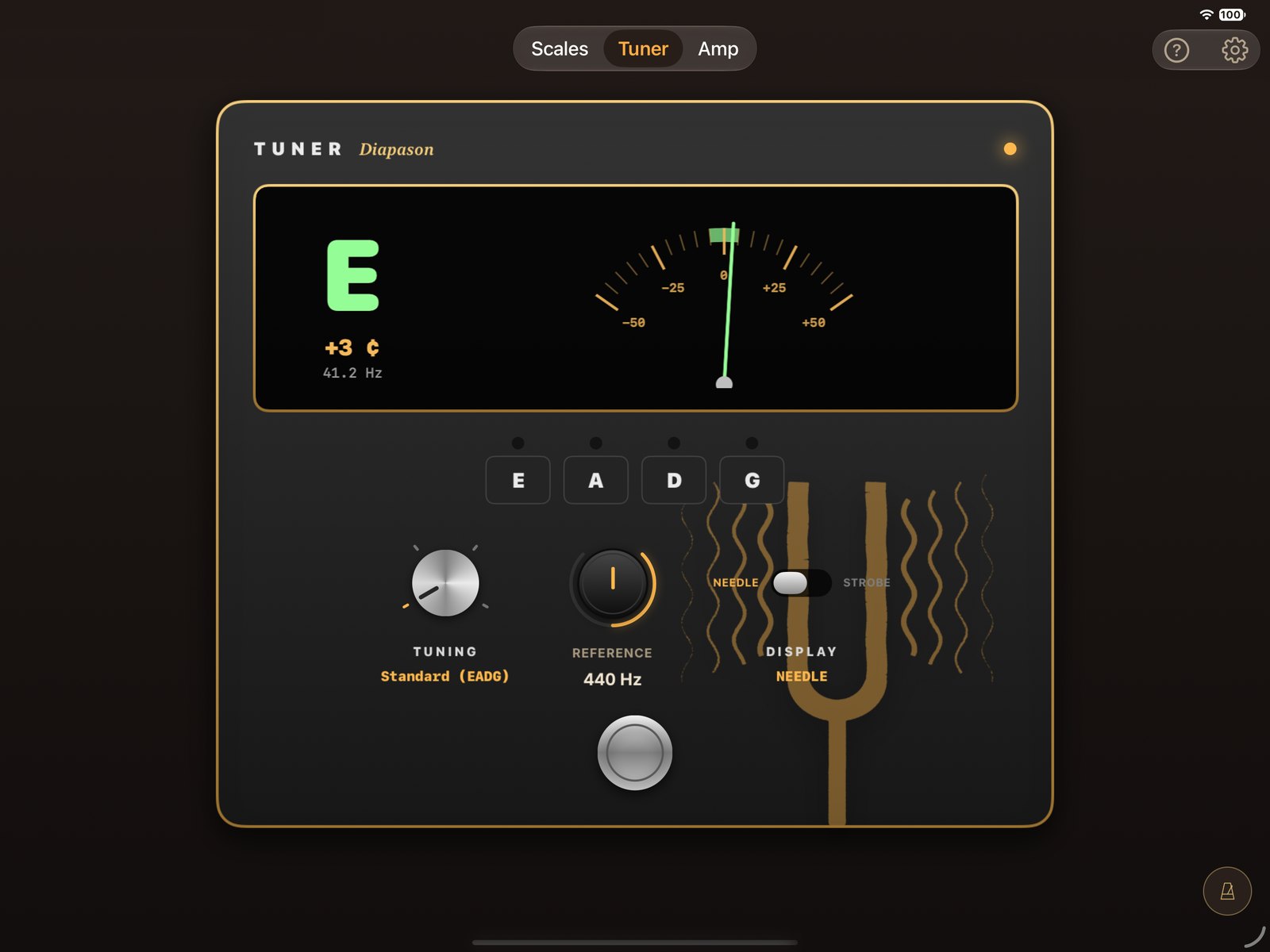
Needle or strobe, offset in cents, reference from 430 to 450 Hz. The iPad's microphone is enough.
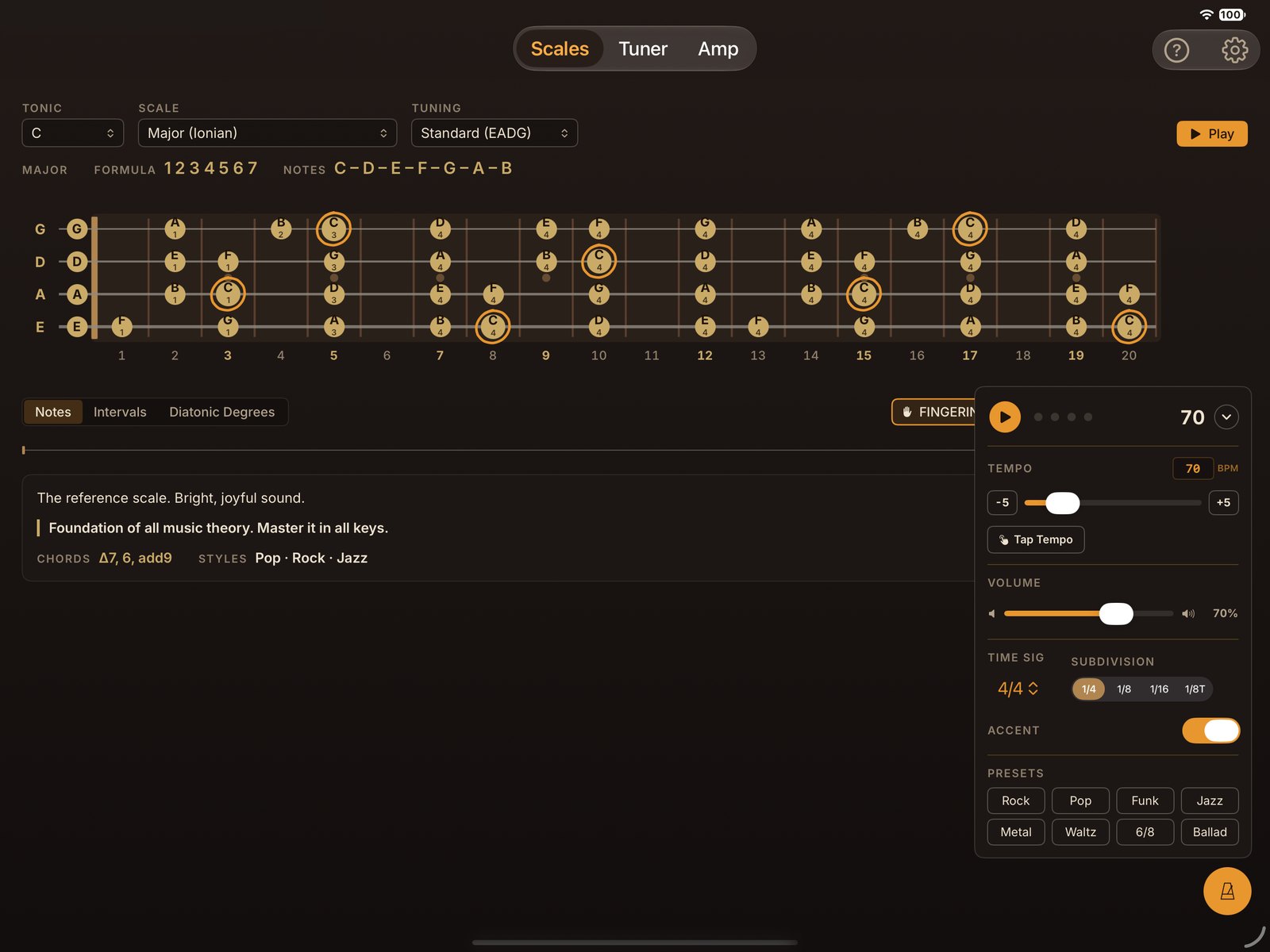
It floats above every tab: 30 to 300 BPM, 20 time signatures, subdivisions and Tap Tempo.
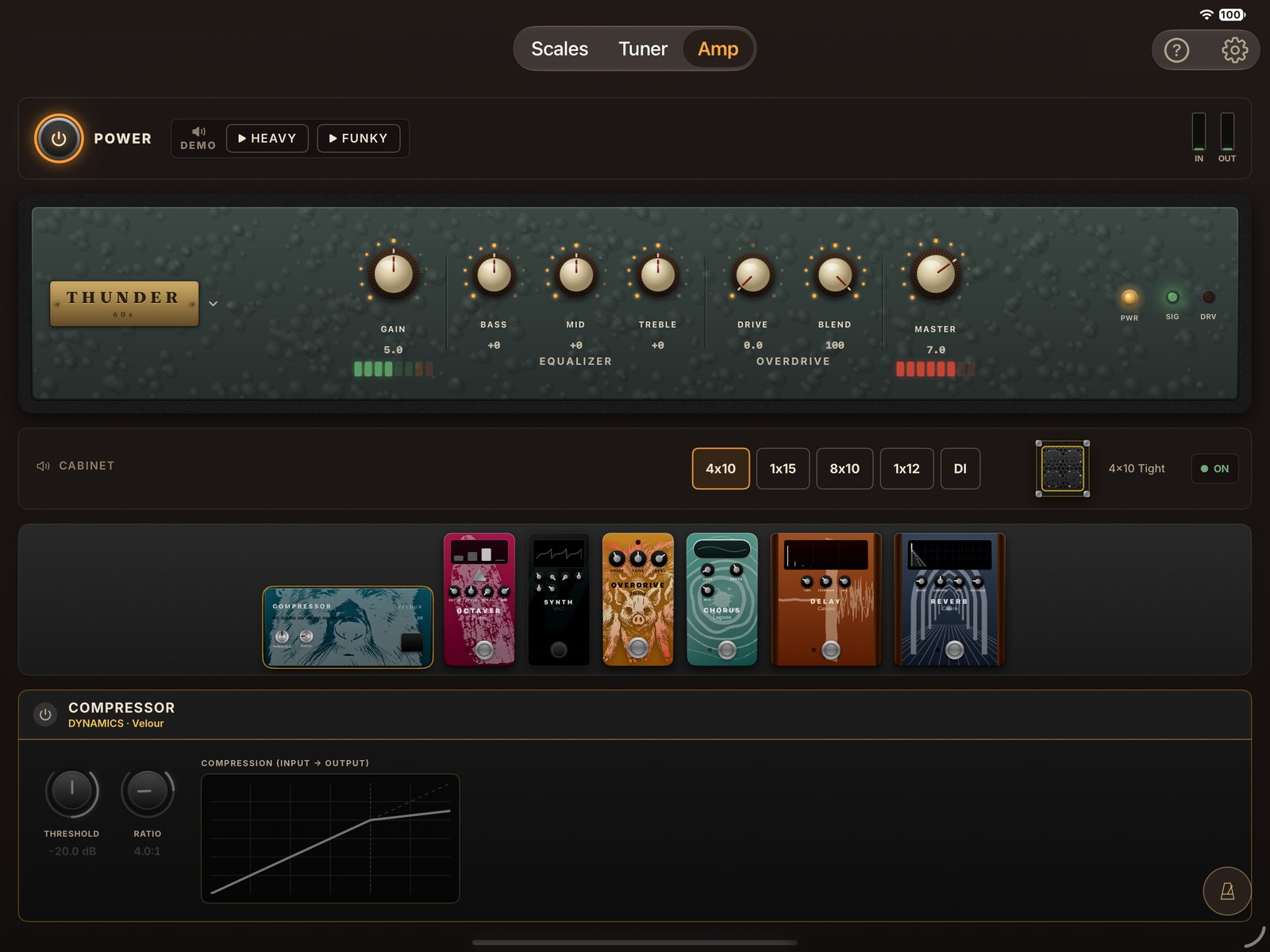
Plug in your bass, put on your headphones: 8 amps, 5 cabinets and 7 effects, set up like real gear.
Scales
69 scales in 12 families, every root note and 4 tunings. From the Dorian mode to the altered scale, the fretboard shows you everything.
Three ways to read the same scale, one tap away.
Root, third, fifth, seventh: the structure jumps out at you.
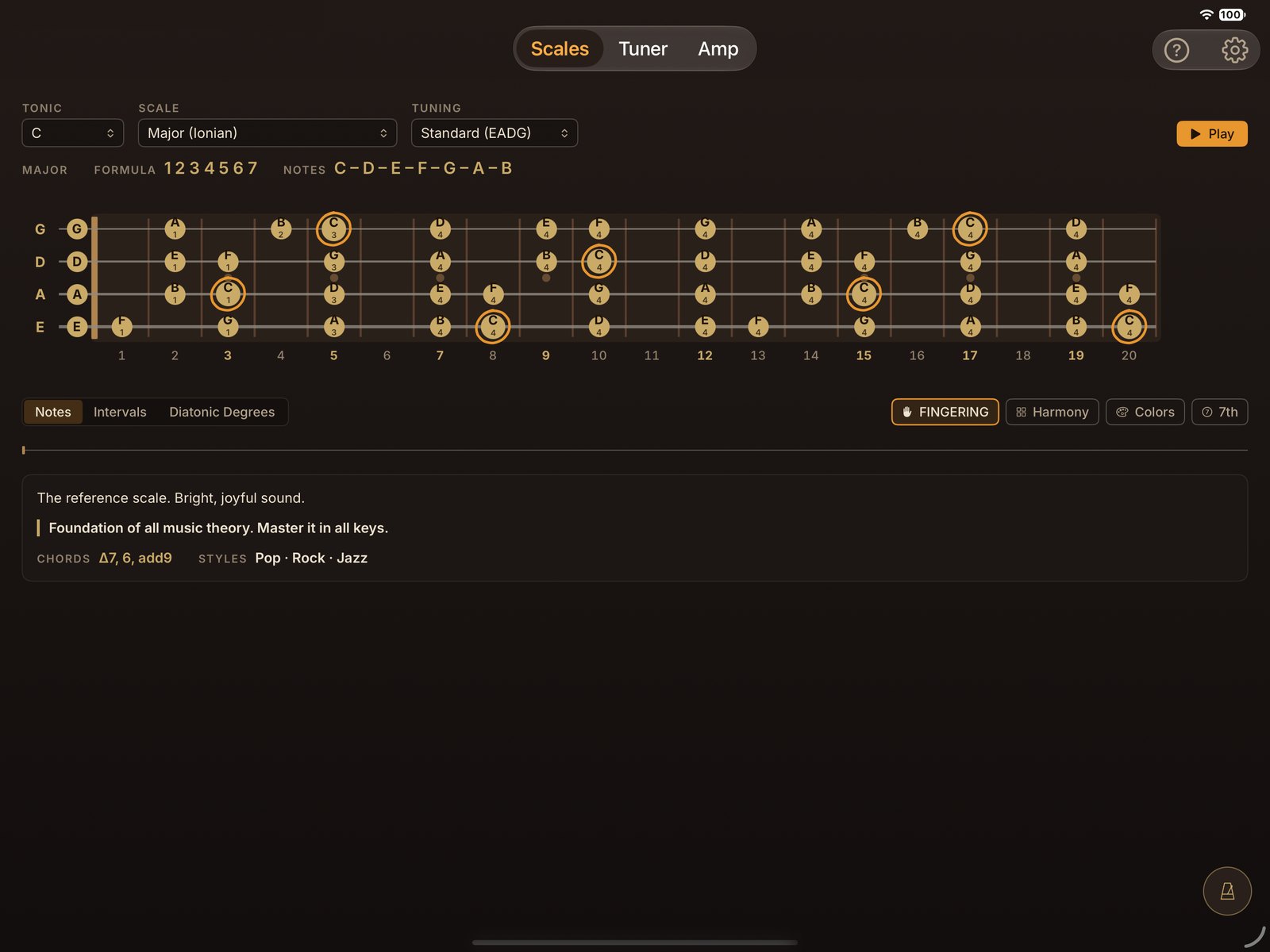
The right finger on every note, and the scale played on real bass samples.
Harmony
Under the fretboard, the Harmony panel opens four tools to go from the scale to the music.
The seven chords, block or arpeggiated, with their positions on the fretboard.
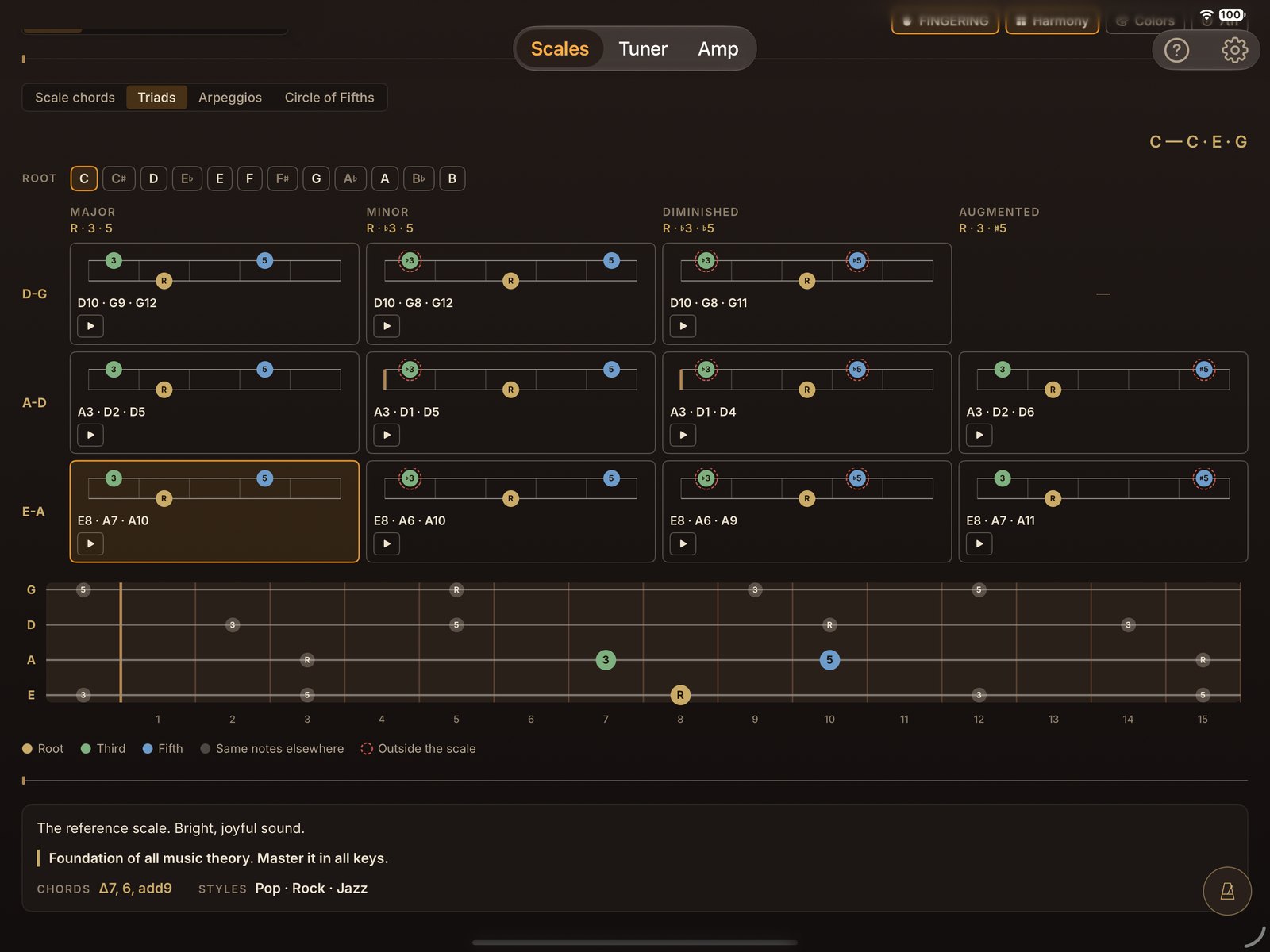
Major, minor, diminished, augmented, on every string pair and for every root.
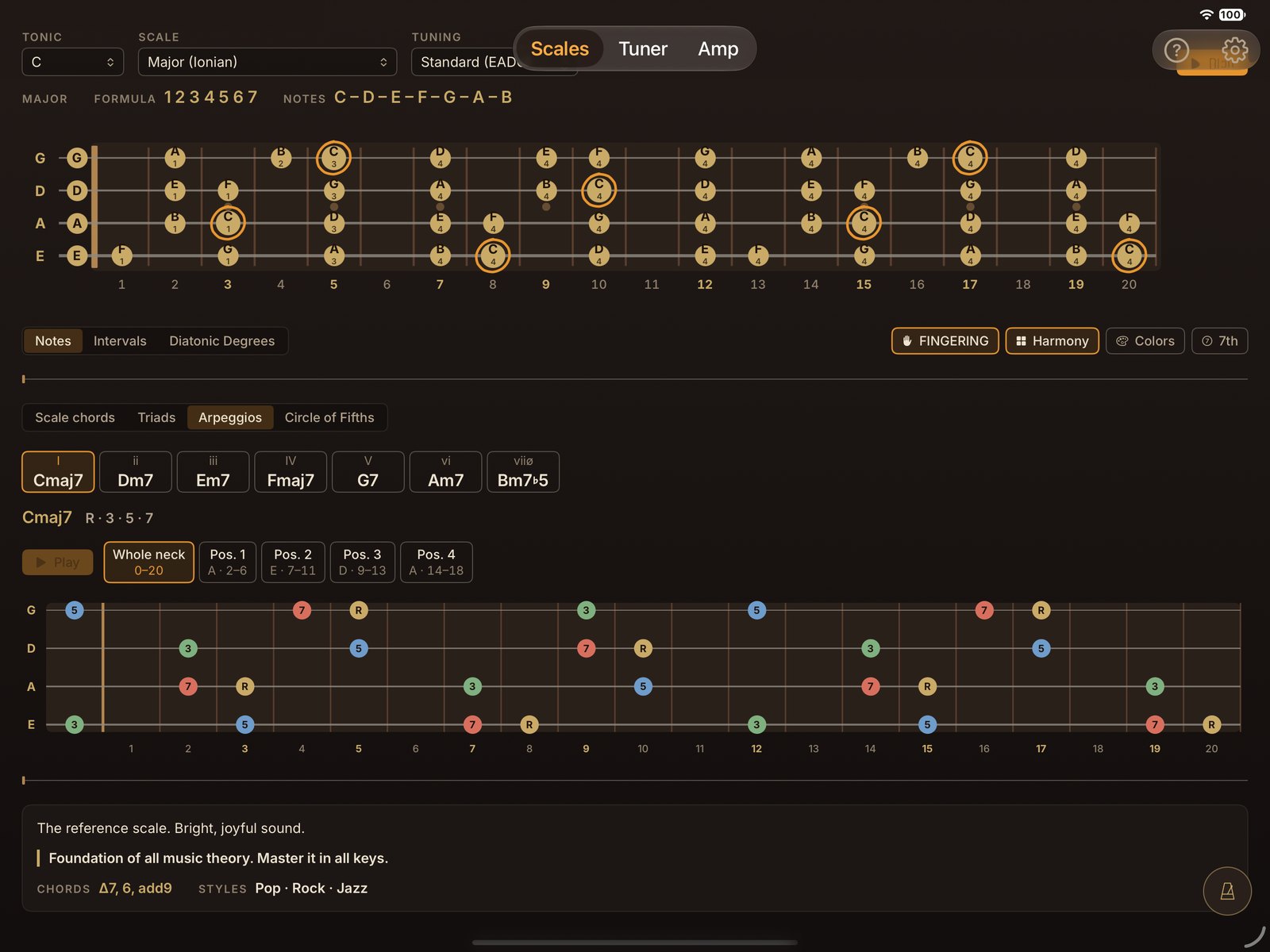
Four-note arpeggios across the whole neck, then position by position.
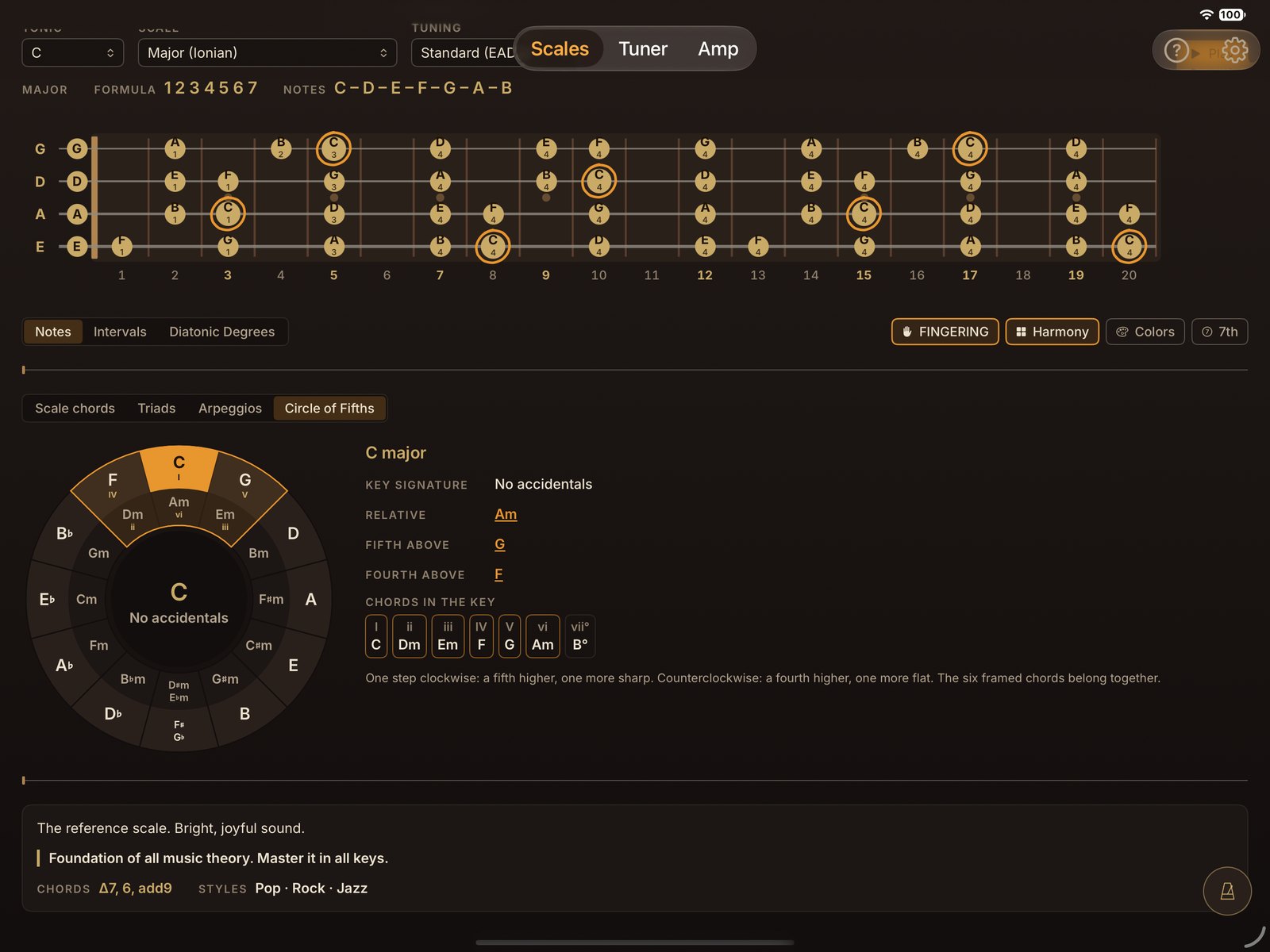
Tap a key: you hear it, with its key signature, its relative and its chords.
Tuner
A tuner pedal with needle or strobe, and a reference note for every string.
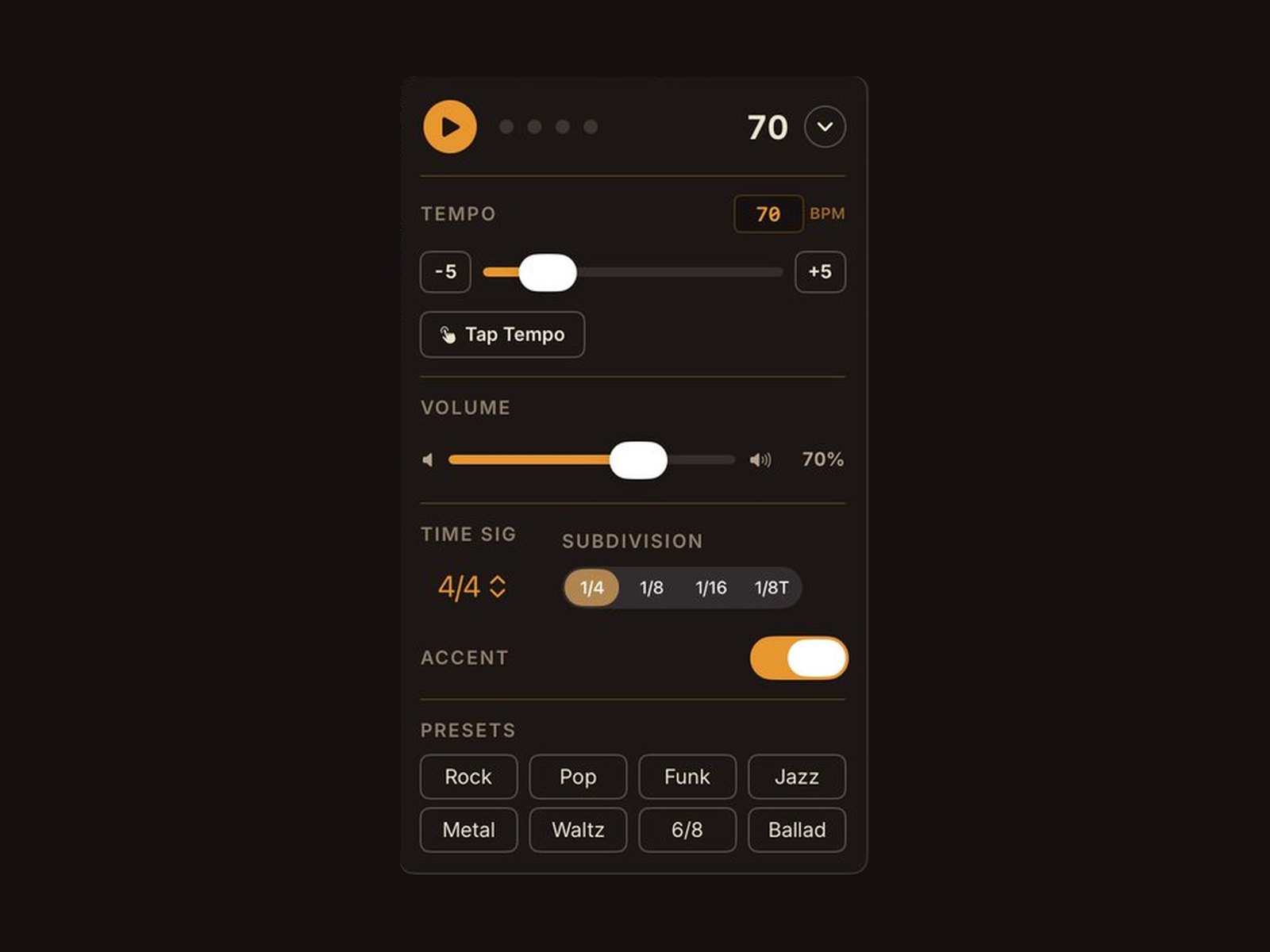
Metronome
20 time signatures, including compound and odd meters, subdivisions and Tap Tempo.
Amp
Plug your bass in through an audio adapter, put on your headphones, and play.
8 amps, 5 cabinets, 7 effects.
From the 50s to the 2010s, each one has its own sound and its own look.
Thunder
60s · The definitive vintage tube tone
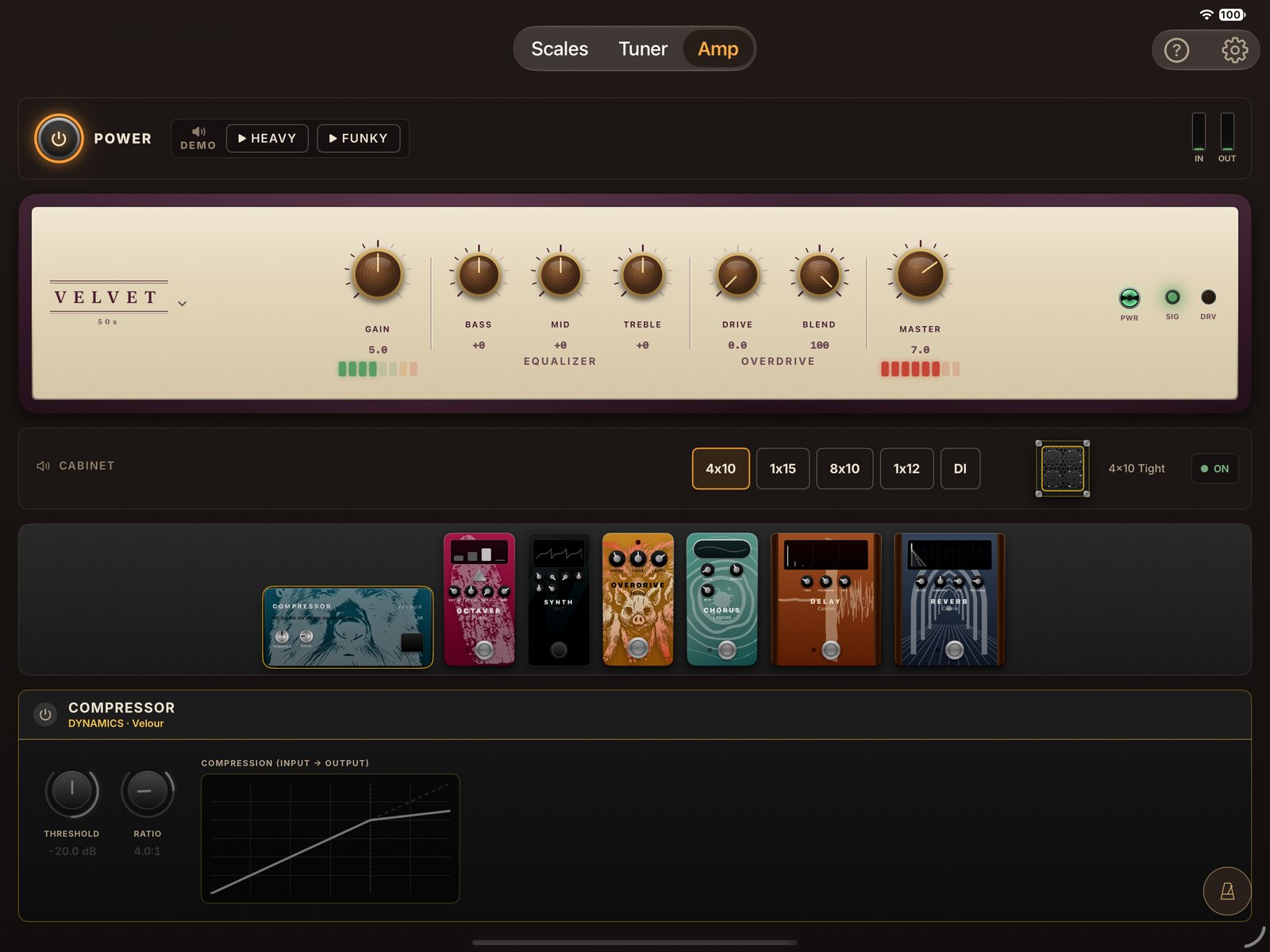
Velvet
50s · Classic tweed
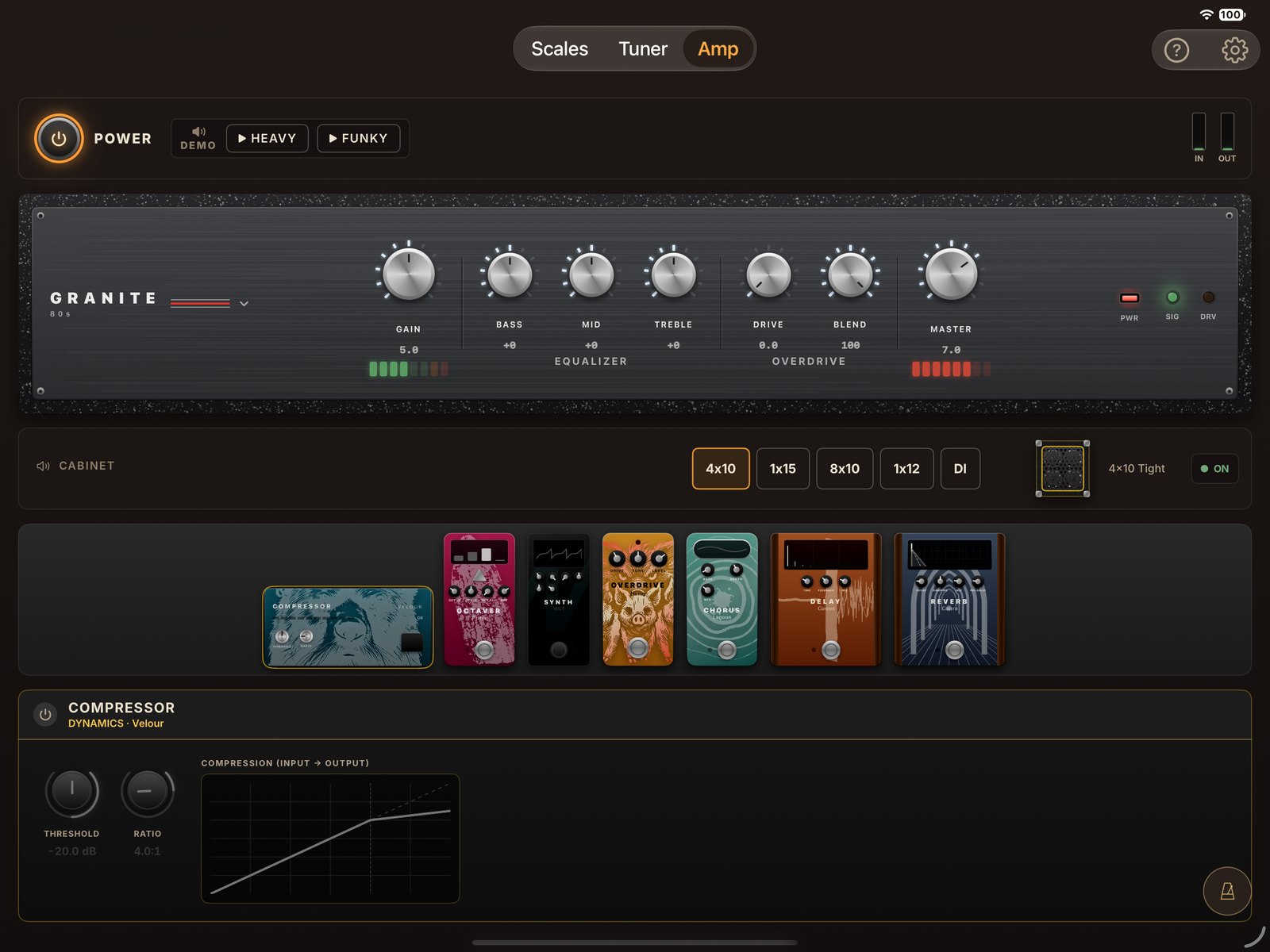
Granite
80s · Hi-fi power
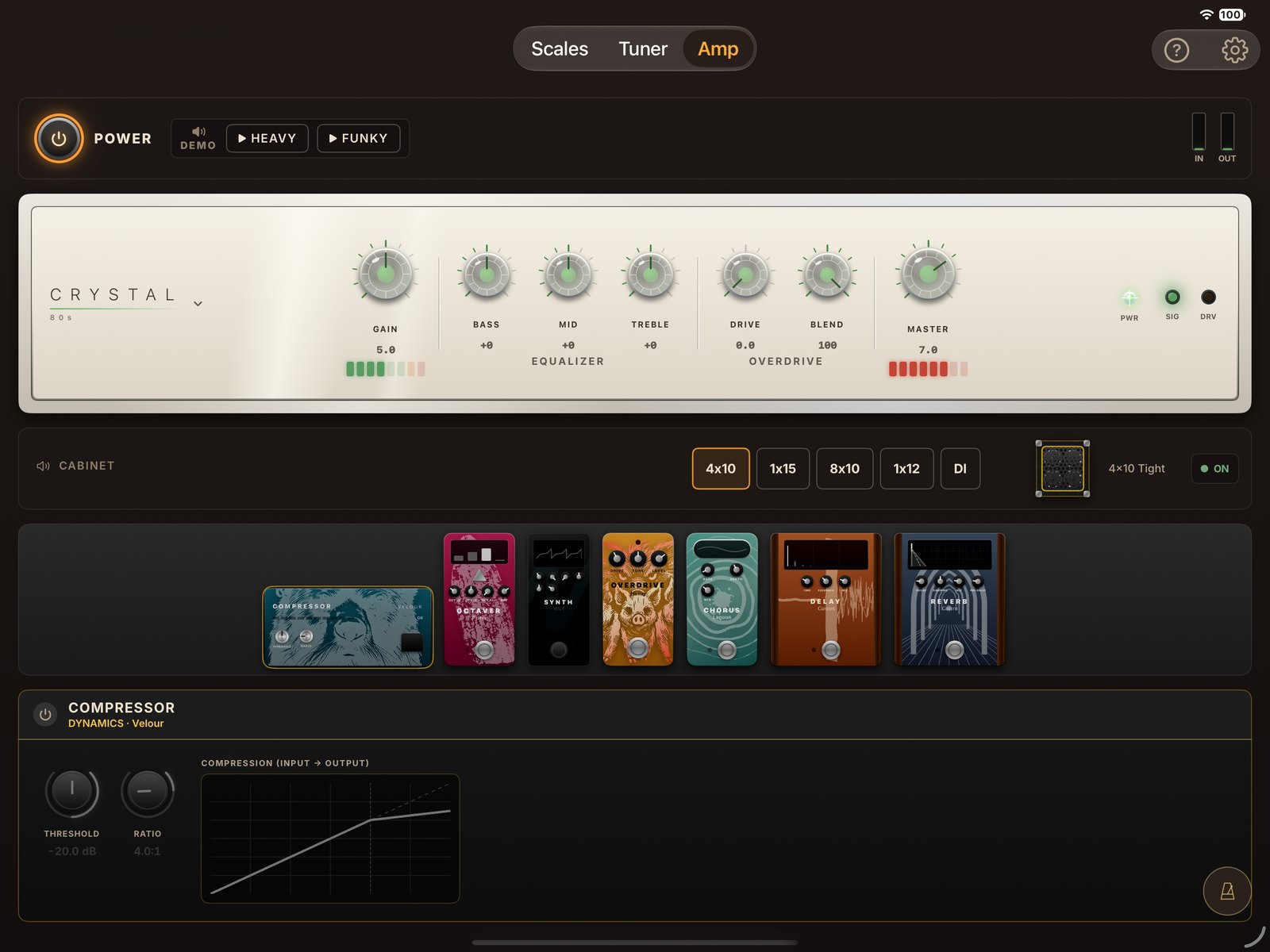
Crystal
80s · Bright and articulate
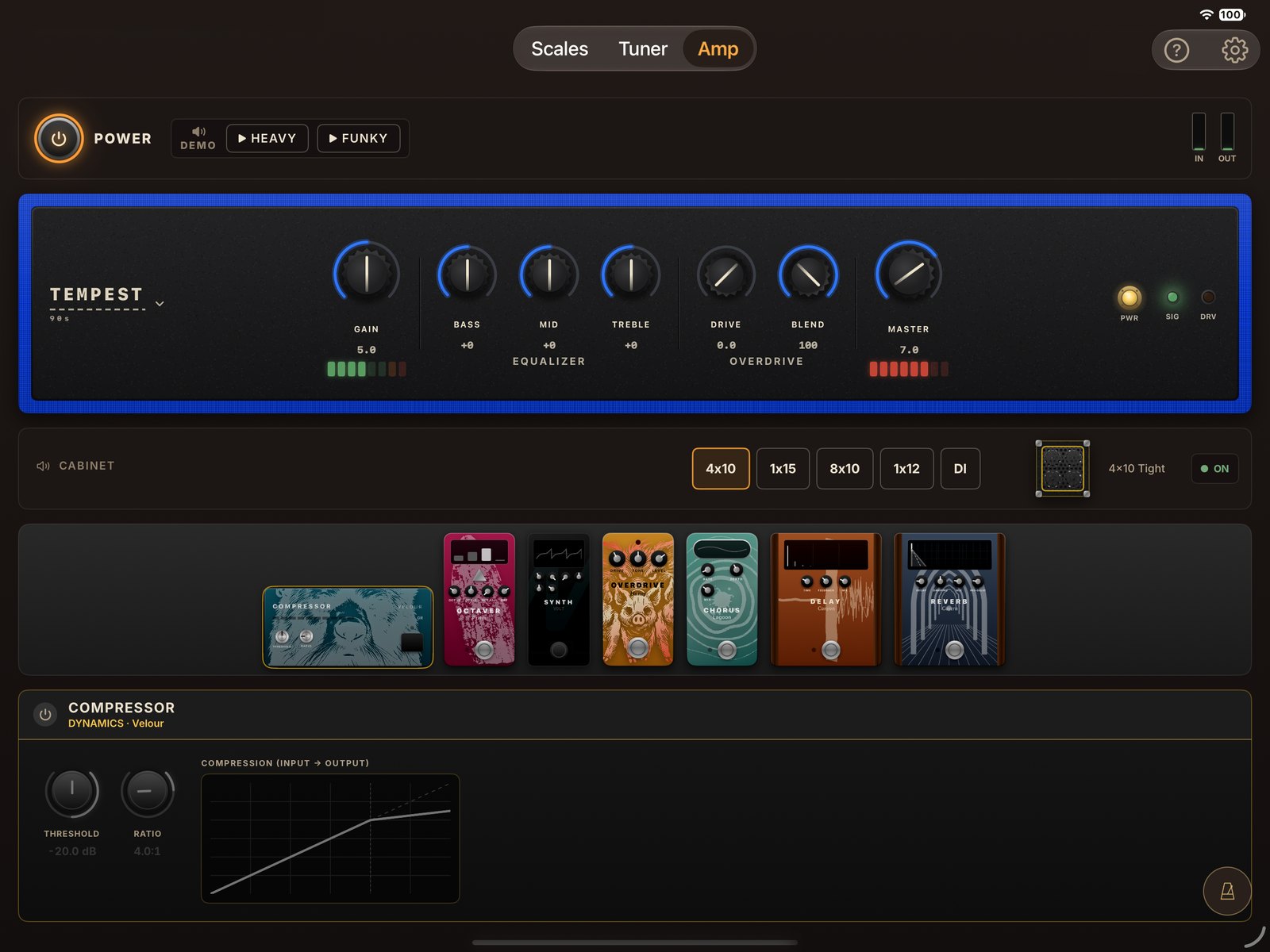
Tempest
90s · British and thick
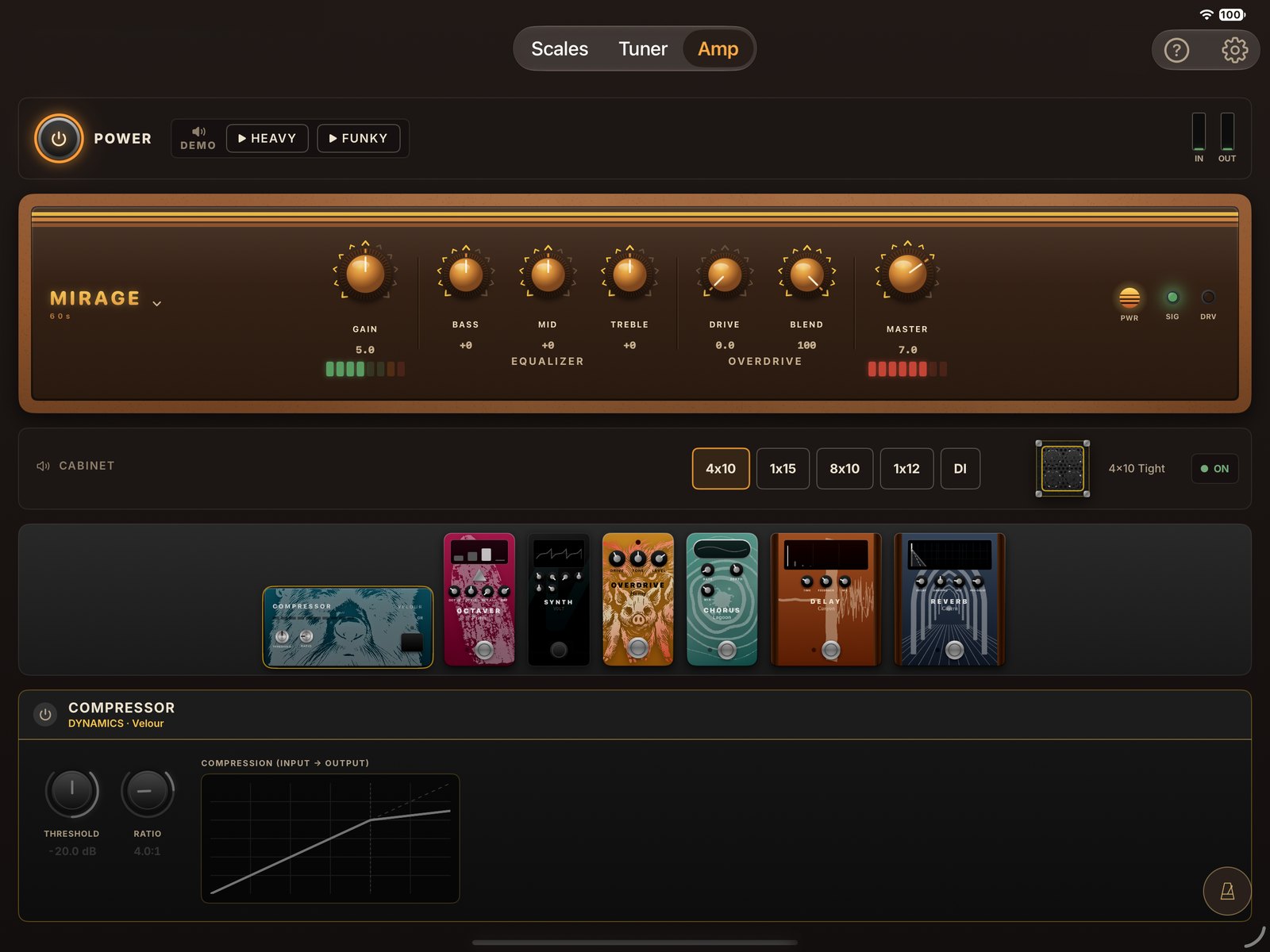
Mirage
60s · Nasal mids
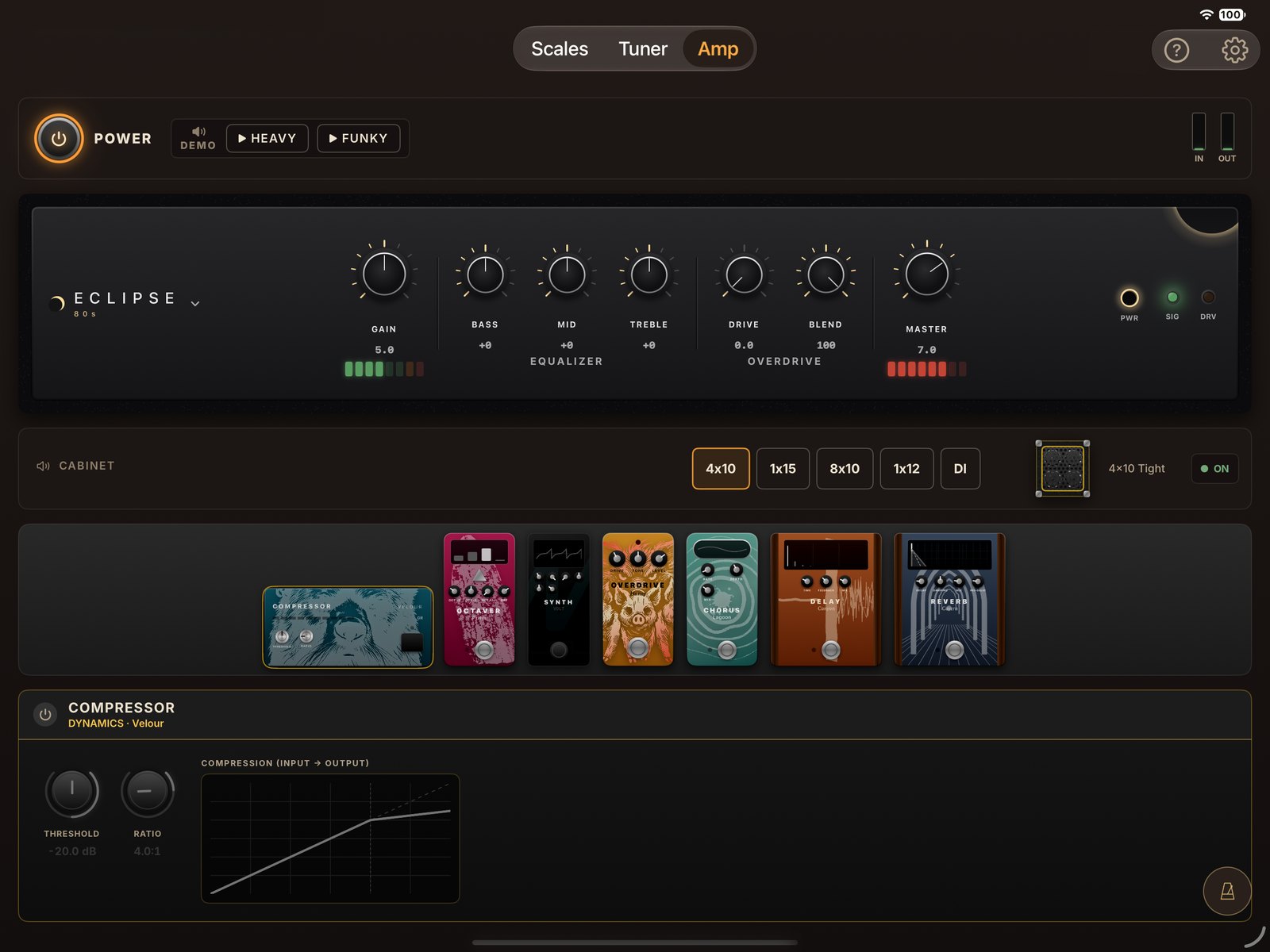
Eclipse
80s · Modern British
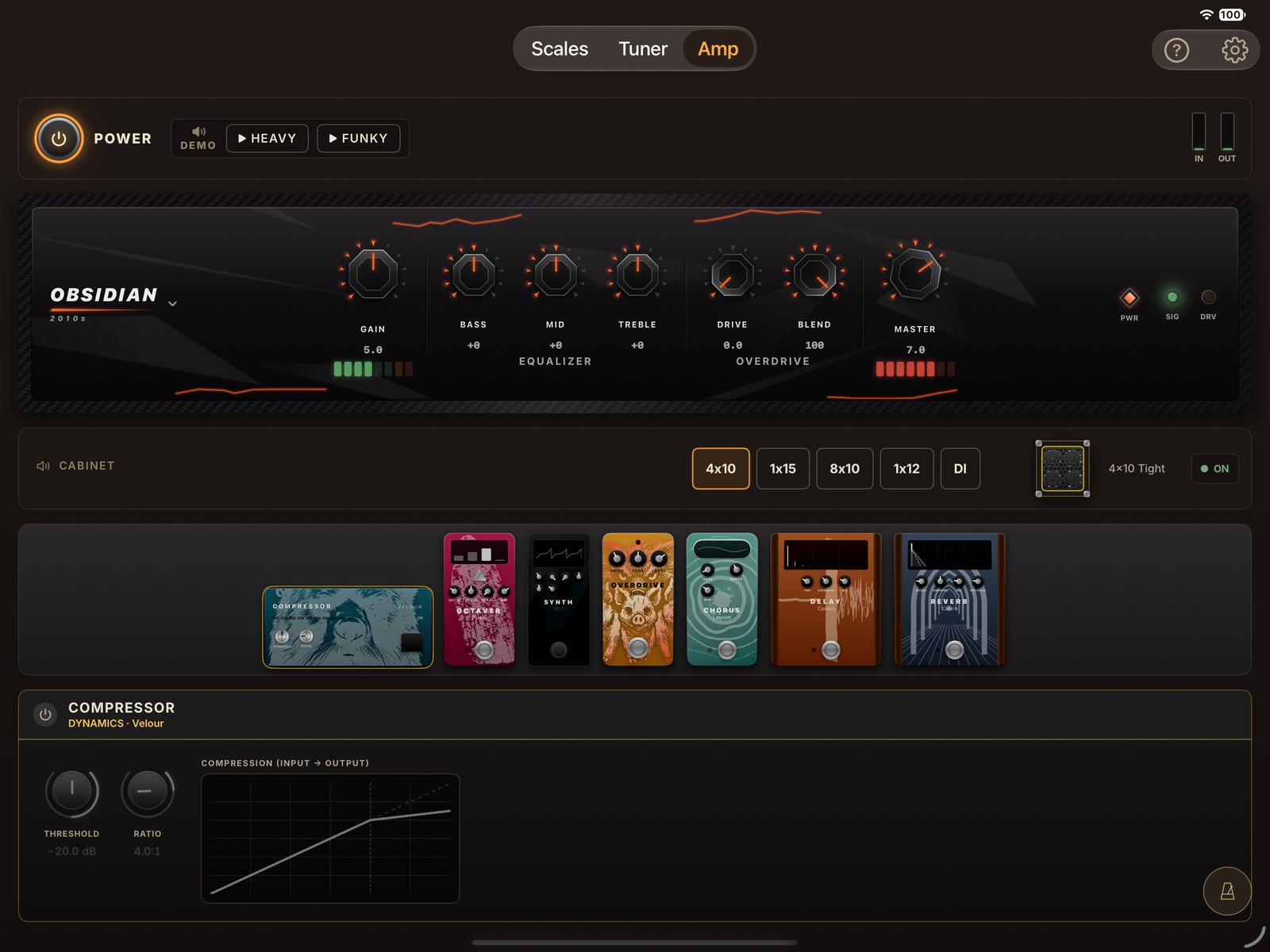
Obsidian
2010s · Modern metal
Tap a pedal to switch it on and open its settings.
They follow the signal chain, from compressor to reverb.

Interactive demo
The interactive demo opens on a computer or an iPad.
Tap the on-screen buttons just like in the app: change scales, switch the amp on, listen to the riffs.
Mirrored fretboard and strings, triads and arpeggios included.
Dark or light mode, and color presets, including one designed for color blindness.
And every control readable by VoiceOver.
No account, no tracking. Fully offline.
UnitBasse for iPad
$11.99
One-time purchase. Free updates. No subscription, no in-app purchases.
On a Mac? UnitBasse for Mac is sold separately.
With an audio adapter that has an instrument input: a USB interface or a jack adapter. For the tuner alone, the iPad's built-in microphone is enough.
Without headphones, the sound comes out of the iPad speaker and back into the microphone: that's feedback. Plug in your headphones before turning the amp on.
The tuner and the amp both use the audio input. Opening the Tuner pauses the amp, which starts again by itself when you leave.
Any iPad running iPadOS 16.4 or later, in portrait and landscape.
Scales, tuner and metronome are the same. The iPad amp keeps the 8 models and 5 cabinets, with 7 effects. The Mac adds the full 22-effect pedalboard, the ability to load your own Audio Units plugins (not included), sound presets, audio device selection and keyboard shortcuts. The two apps are sold separately.
No. UnitBasse works fully offline, with no account. The microphone is only used for real-time sound processing: nothing is recorded or sent.
Because UnitBasse is a tool, not a service. Buy it once, use it forever.
Another question? UnitBasse for iPad support